OpsVue · Inbox
Every conversation, next to the work it concerns.
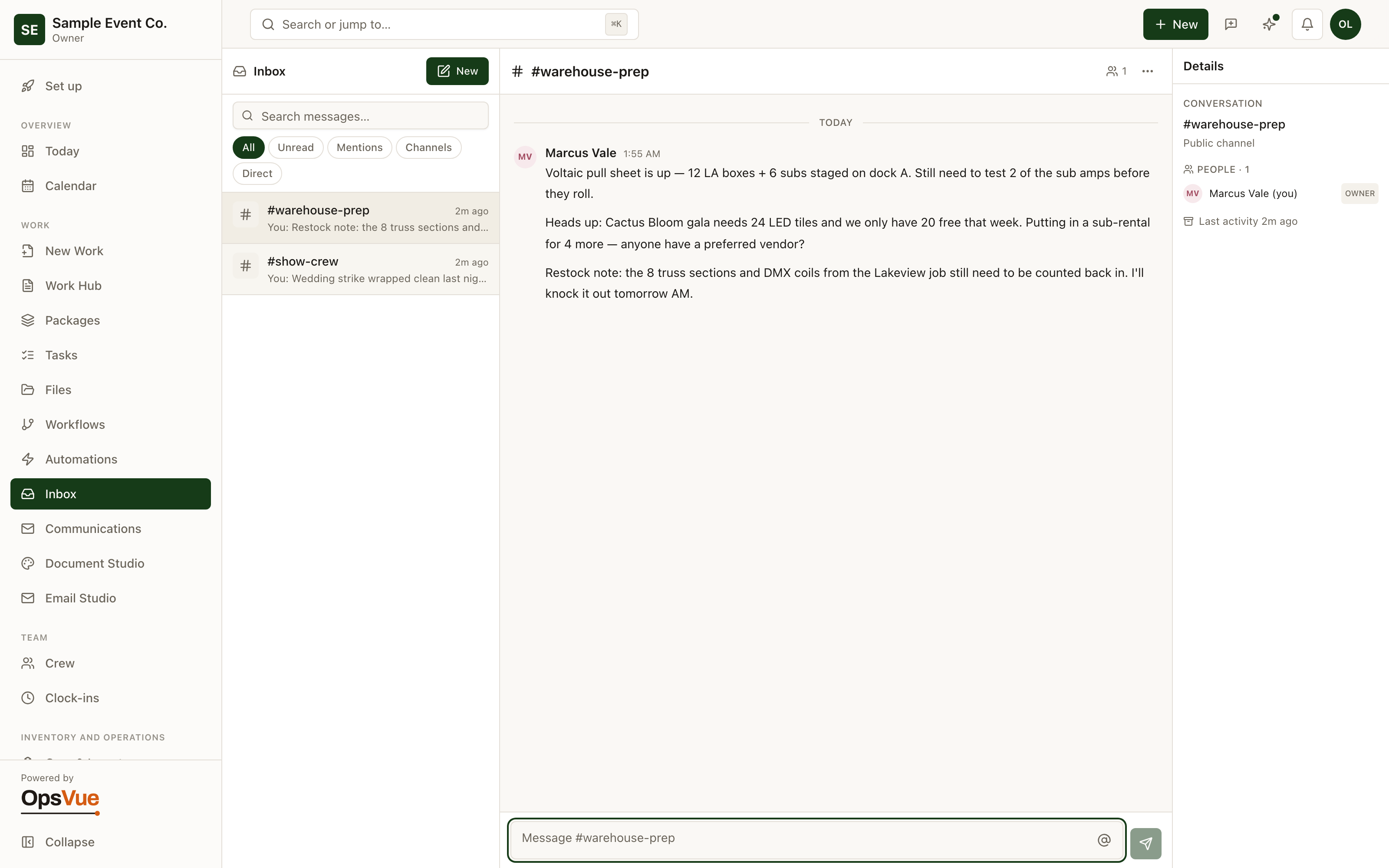
The Inbox is internal team messaging built into the same system that runs the work — so the conversation about a job doesn't live three apps away from the job itself.
Spin up channels for the groups that talk every day, message anyone one-to-one, and filter to what actually needs you.
Team talk is split across texts, group chats, and email threads — none of it connected to the work it's about.
Decisions get made in a thread half the team can't see, then re-explained one person at a time.
A new teammate inherits none of the history; the context lives in other people's phones.
Finding what was agreed means scrolling three apps and hoping you remember which one it was in.
Channels give each group — operations, crew, vendors — one shared place to talk.
Direct messages handle the one-to-one, with Unread and Mentions filters so what needs you surfaces first.
The conversation lives in the same system as the work, so the discussion and the job stay side by side.
The history belongs to the workspace, not to whichever phone the thread happened on.
The foundation
The foundation for every Inbox workflow.
Channels
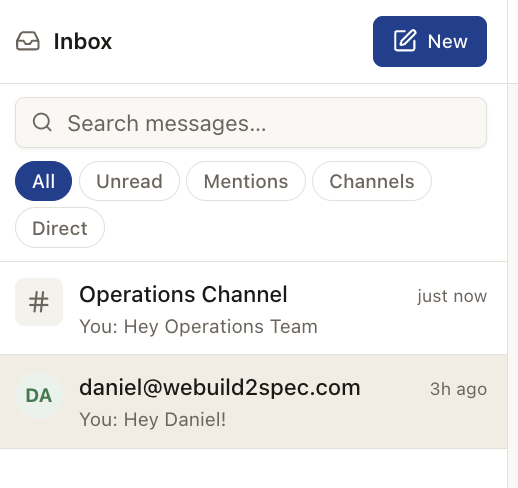
Spin up a channel for each team — Operations, crew, vendors — so every message lives in one place.
Direct messages
Or message anyone one-to-one — filter to Unread, Mentions, Channels or Direct.
And around it
Plus everything you need to get it done.
Spin up a channel per crew, per function, or per season — you decide who's in each one.
One-to-one messages for the quick question that doesn't need an audience.
Filter the inbox to Unread, Mentions, Channels or Direct, so the messages that need you come first.
Inbox lives in the same system as the Work Hub, Tasks, and Calendar — one login, no app-switching tax.
Go deeper: Email & Communication — the operational problem this solves, end to end.
Inbox is just the beginning.
Every part of OpsVue runs in the same system, connected to the same work — so each piece you turn on makes the rest more useful.
No credit card required.